Installation dispatch software for delivery and assembly
Get the right installer to the right site on a day they agreed to. The Pivot shows the desk who fits, who's running behind and what's due, then carries each install on one work order from the first call to getting paid.
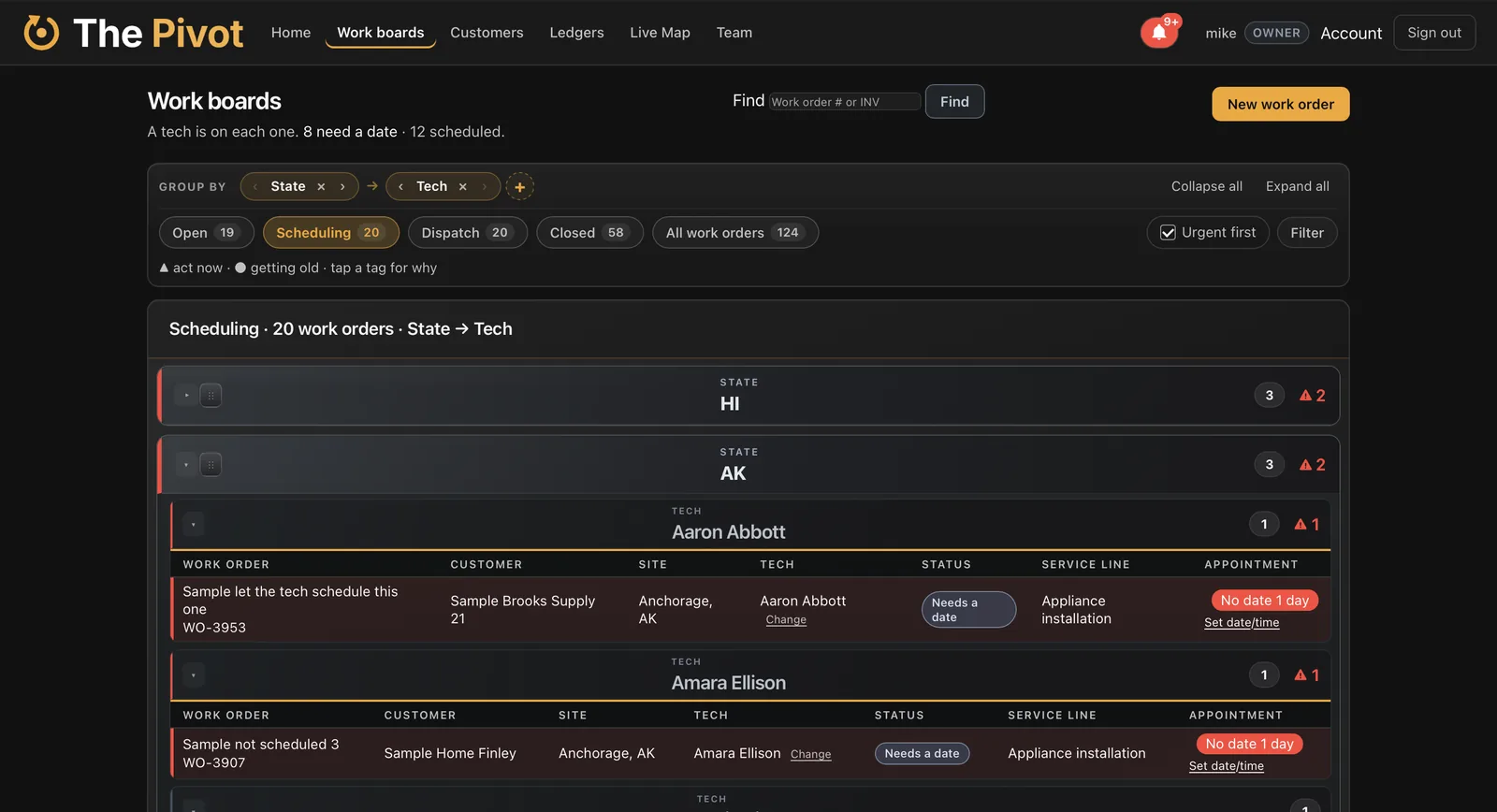
How a job moves
- OpenNo tech has the job yet. Offers wait here.
- SchedulingA tech has the job. It has a day, or it's waiting for one.
- DispatchToday's work, until it's done.
- ClosedThe field work is done.
Nobody moves a row by hand. Change the tech, the date or the time, and the board follows.
Before and after The Pivot
How it works in The Pivot.
See who fits, nearest first
The tech list comes in groups: the preferred tech, who's free and qualified, who's busy or far, and who's missing something.
Jobs that move to the right board
Change the tech, the date or the time and the job lands on the right board. Nest by state, tech or customer and drag whole nests.
Installs that take several days
Enter a start and how many days. The same tech works the days in a row on one work order, invoiced once, shown on Dispatch as "Day 2 of 3".
Built from the field.
The Pivot was built by a team in the business since 1996, pairing field service experience with deep software experience.
Questions
What is installation dispatch software?
It's software for assigning install, delivery and assembly jobs to techs, tracking them on the day and closing them out. The Pivot does all of that on one work order.
How does The Pivot pick a tech?
Your desk picks. The tech list comes in groups, nearest first, with the preferred tech on top when they qualify, are free, and the job is in their coverage. Every job has the tech's yes: they accept an offer on their phone, say yes to your office, by phone, text or in person, or publish their hours so work inside them books itself.
How do I know a tech is late?
The row turns violet, with "Running behind", when the booked time has come and the tech hasn't tapped En route or On site. It turns red, with "Late", when the arrival window ends and the tech isn't On site (En route doesn't stop it). The late row shows where the tech is now.
Can techs use it on their phone?
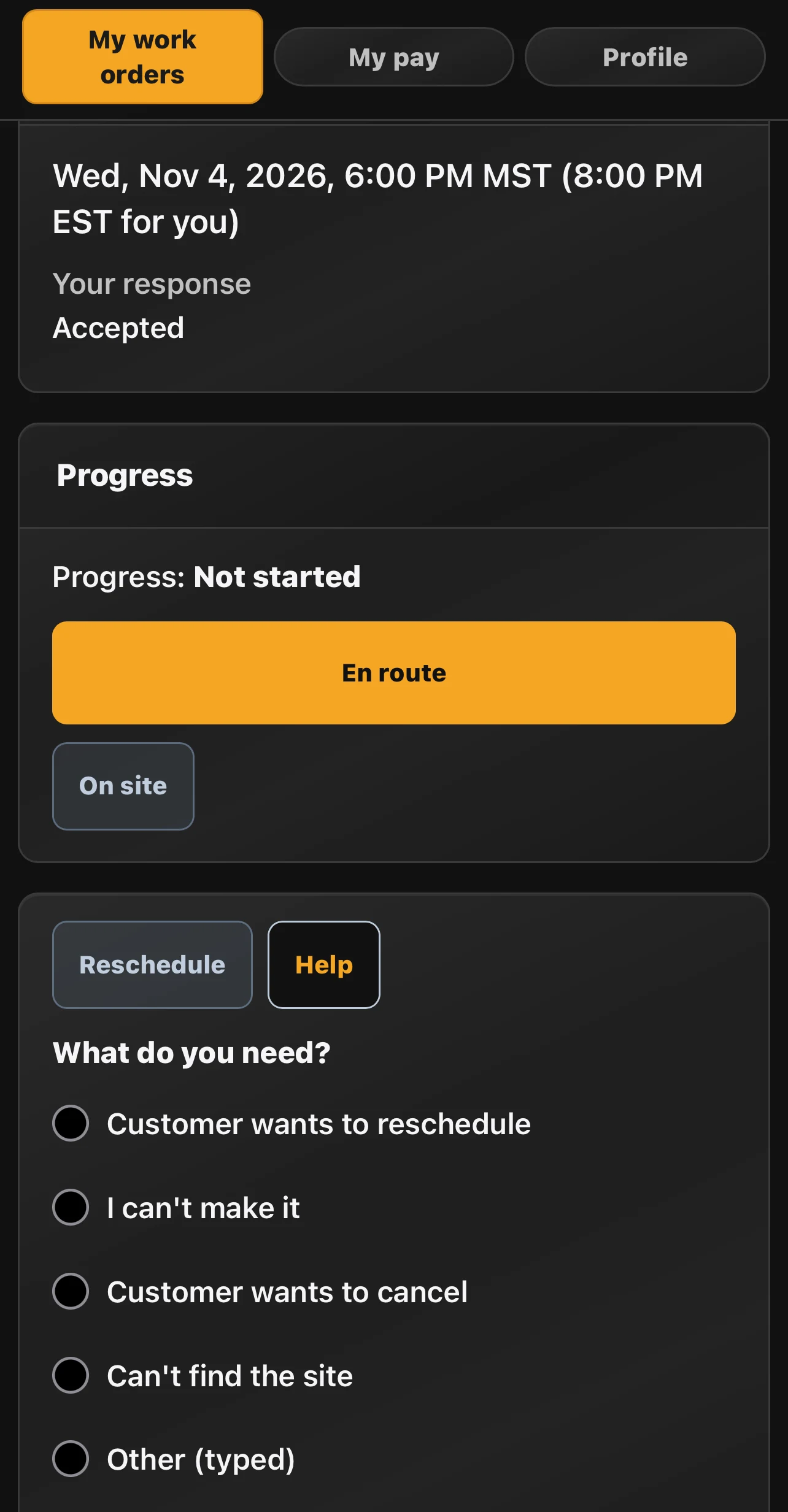
Yes. Techs see each offer, accept it, and tap En route, On site and Complete on their phone. Help from the Dispatch Desk is one tap away before they're on site.
See it on your work orders.
Book a short demo and we'll show you how it works with sample data.
More from The Pivot: