Technician pay tracking software
Tech pay fills in on every work order from each tech's grade and pay table, so it stays tied to the job, right next to what the customer was billed.
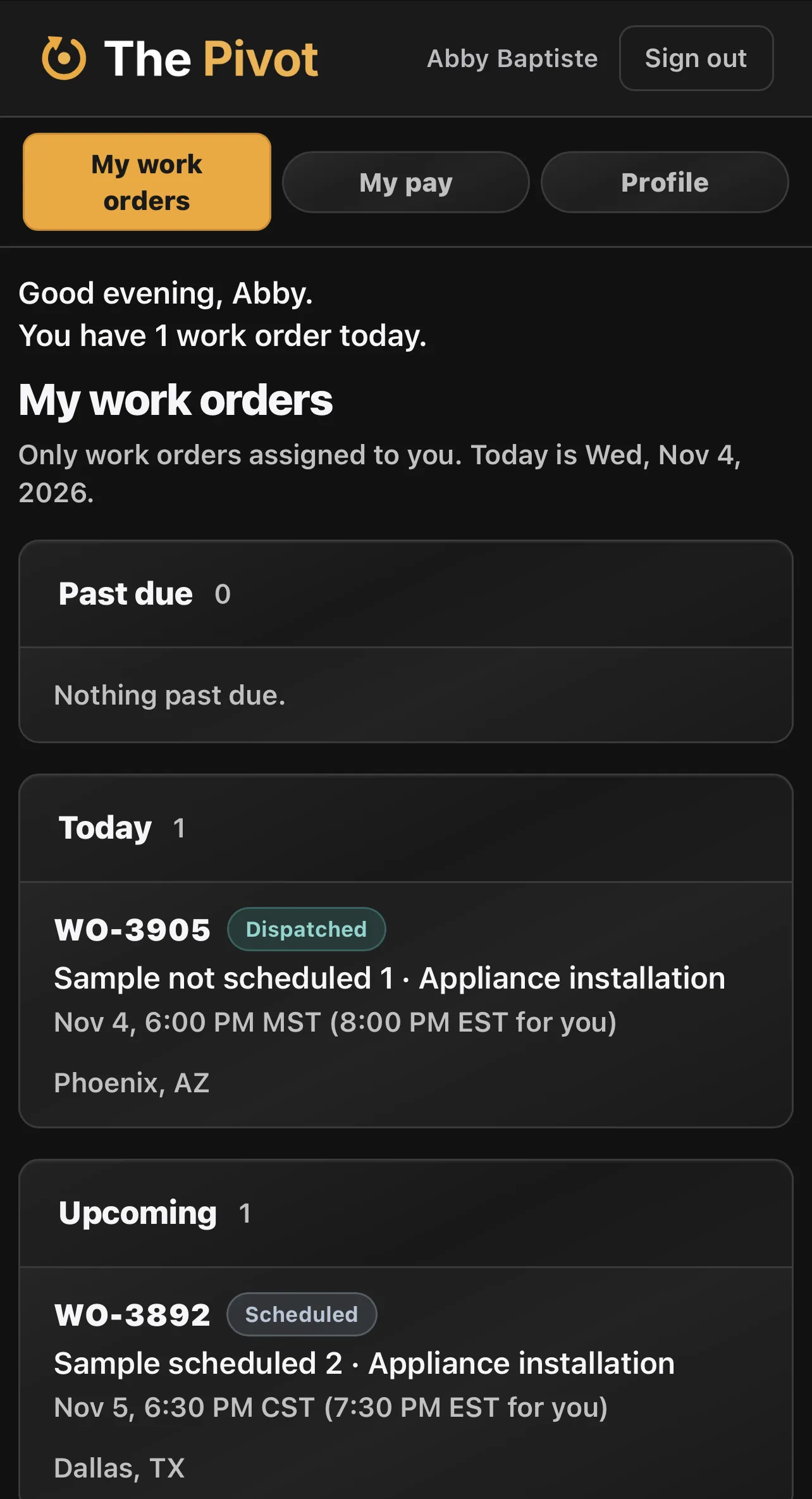
How a job moves
- OpenNo tech has the job yet. Offers wait here.
- SchedulingA tech has the job. It has a day, or it's waiting for one.
- DispatchToday's work, until it's done.
- ClosedThe field work is done.
Nobody moves a row by hand. Change the tech, the date or the time, and the board follows.
Before and after The Pivot
How it works in The Pivot.
Pay from each tech's grade
Each tech's pay is their grade's percent of what that customer pays, with a pay table column for each customer price, rounded to the nearest fifty cents.
Trip pay and mileage pay
A trip that doesn't finish pays trip pay. Work beyond a tech's coverage shows extra mileage pay right on the offer.
Pay on your schedule
You set how often techs are paid, weekly is recommended. A fix marked Tech's own mistake carries no tech pay.
Built from the field.
The Pivot was built by a team in the business since 1996, pairing field service experience with deep software experience.
Questions
What is technician pay tracking?
It's keeping a record of what each tech is owed for each job. In The Pivot, tech pay fills in on the work order from each tech's grade and pay table.
How is tech pay set?
From the tech's grade, as a percent of what that customer pays, from their own pay table. It refills when a grade's percent changes or a tech changes grade.
Do techs see their pay?
Yes. Techs see their pay on each offer and on every work order they hold, not their whole pay table.
Who else sees tech pay?
The Owner and Admins see tech pay on the work they can see. A Dispatcher sees and changes a tech's pay only with Can change tech pay.
See it on your work orders.
Book a short demo and we'll show you how it works with sample data.
More from The Pivot: